
Seppo guide
Here you’ll find instructions for using Seppo effectively and making the most of its versatile features. Browse the different sections in the guide menu and quickly locate the information you need.
Instructor password reset
How can I reset the password for my Instructor account?
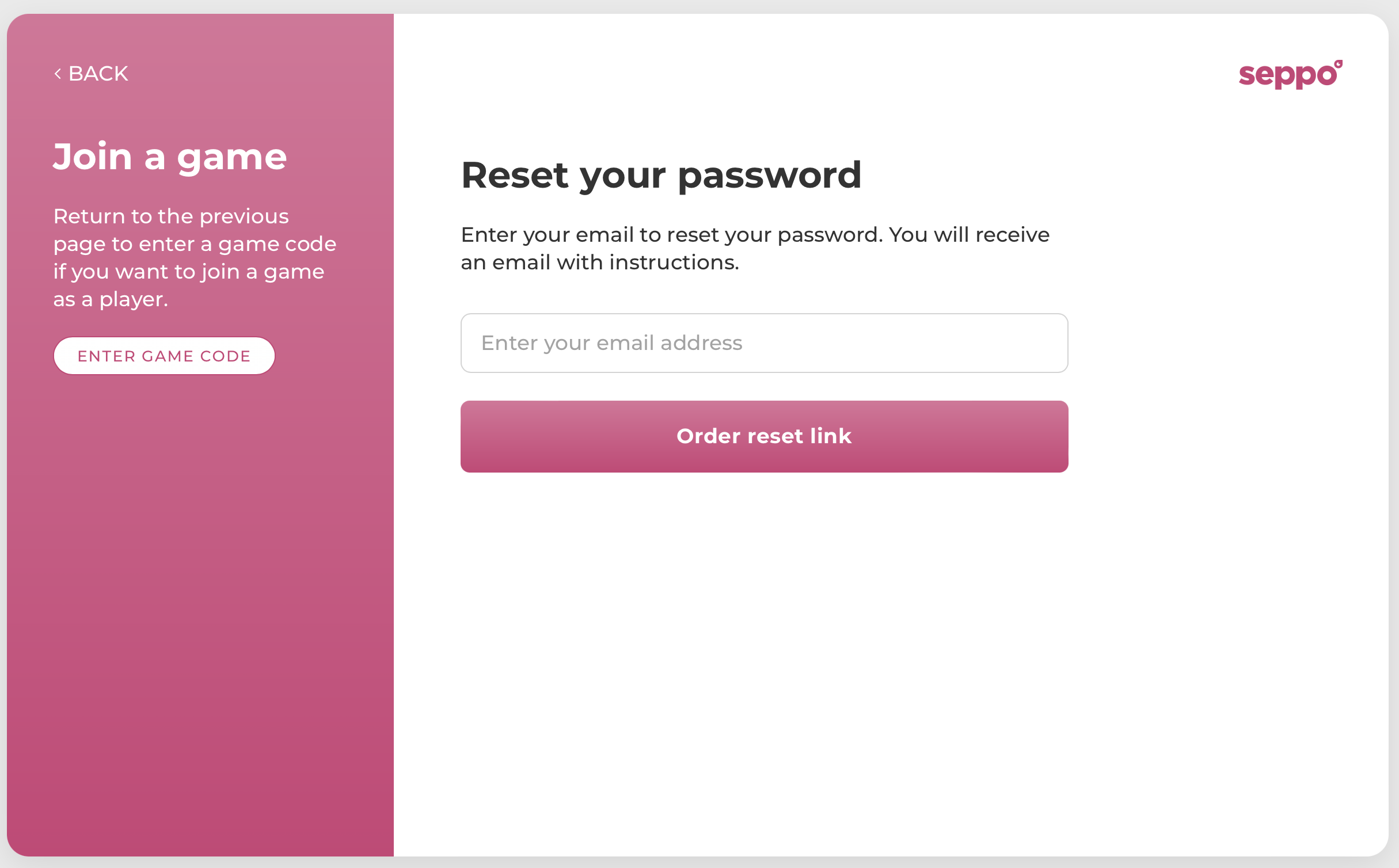
If you’ve forgotten your password, order a password change link to your email.
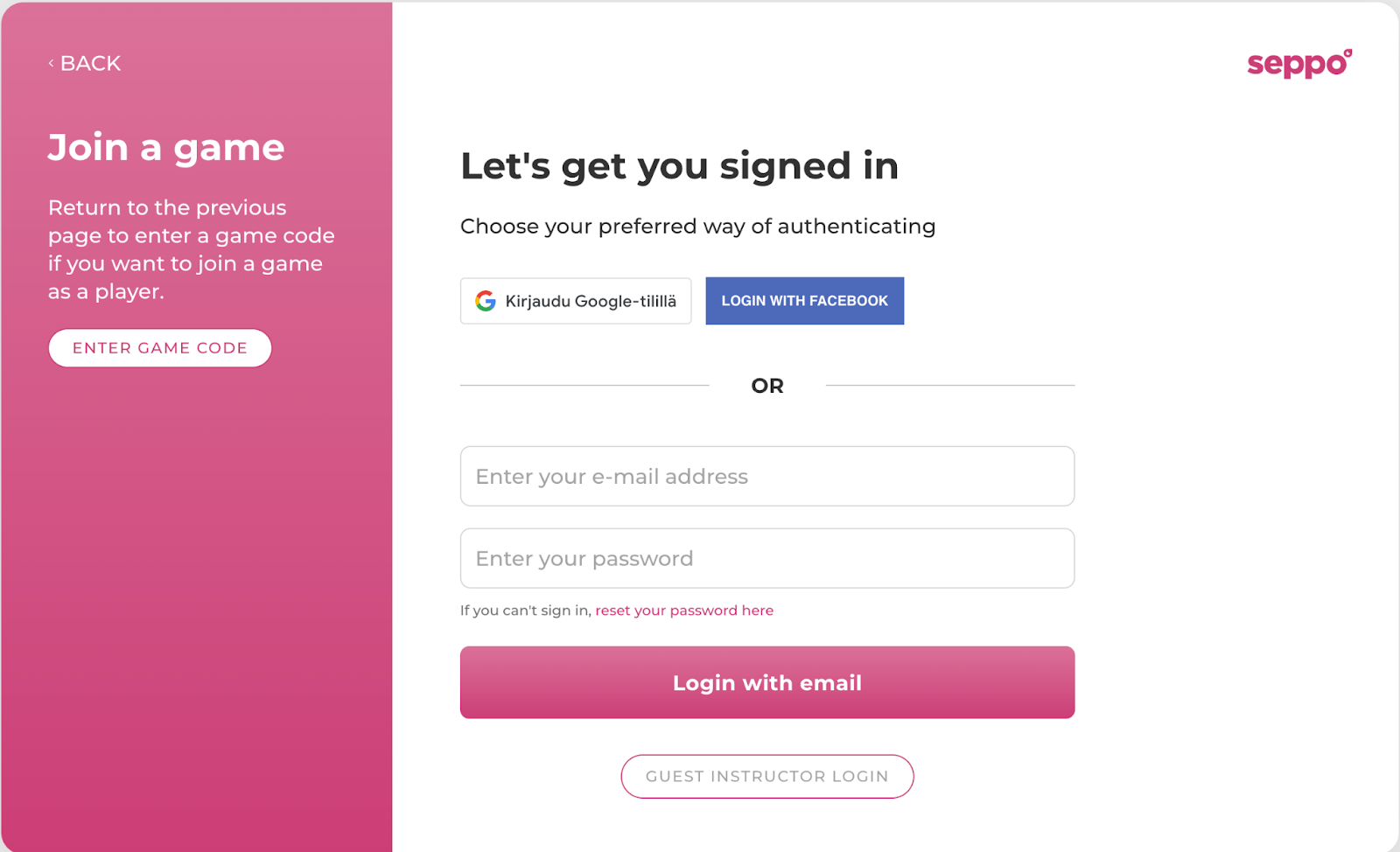
The password reset page can also be found through the login page.
Follow these three steps to reset the password:
1
Navigate to Seppo’s login page play.seppo.io
2
Select Game master - Continue to login.
3
Under email and password fields, you can find the reset link.
If you need to change your email or the email of any of your license users, or if there have been changes to your payment details, please contact our customer support.