
Seppo Guide
Here you’ll find instructions for using Seppo effectively and making the most of its versatile features. Browse the different sections in the guide menu and quickly locate the information you need.
Scoreboard
How does the scoredboard work?
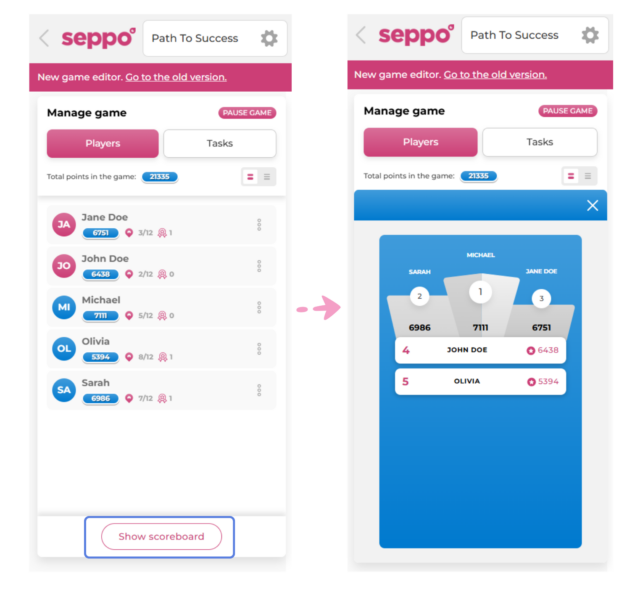
In the Play tab, instructors can review the overall progress of the game by opening the scoreboard. To do this, click the “Show scoreboard” button at the bottom of the left-side panel.

Best practices and tips
See a player who could use some extra support? You can offer a word of encouragement through the game’s in-game chat or return a task to them for a revised answer, helping them get back on track and continue progressing in the game!